

This is how you can find out your macOS version:
1
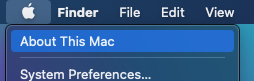
Click on the Apple icon up left and then About This Mac.
2
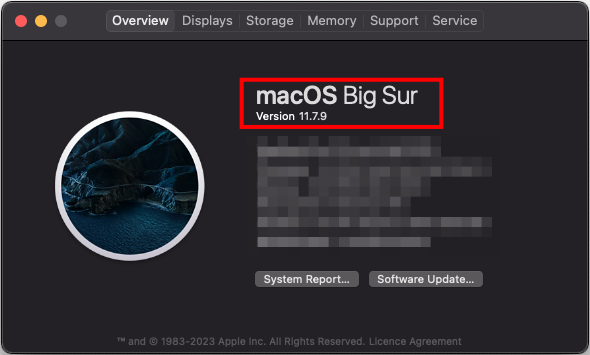
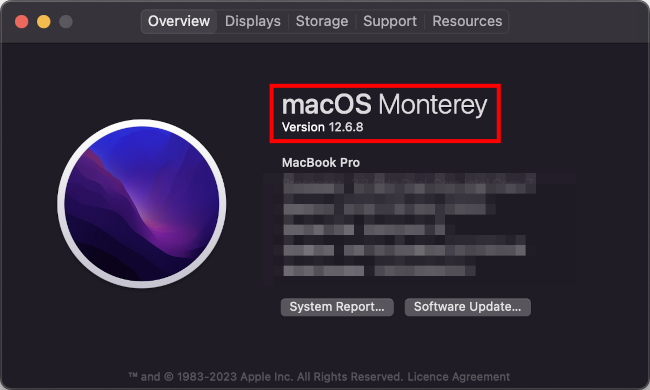
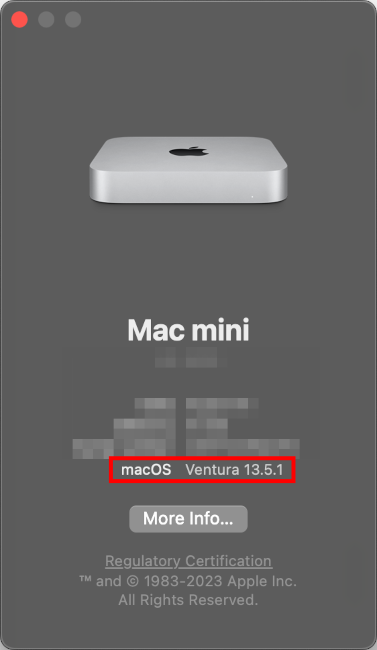
In the now appearing window you can see your macOS version.
Problems with these instructions? Let us help you! Contact us fast and easy through our contact form!