

This is how you can switch your already installed Microsoft Office 365 to a @myubt.de account:
For these instructions to work, Microsoft 365 has to be enabled in your Uni Bayreuth user account.
Steps 1-5 of these instructions describe how you can give the required Privacy Permissin Statement. This only has to be done once, so if you have already given the statement in the past, please skip to Step 6 now.
If you have not given the statement yet, go to https://portal.its.uni-bayreuth.de now and log in with your university username and the respective password.
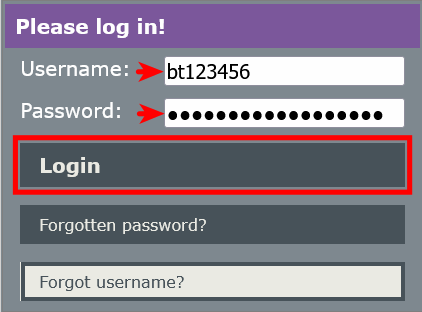
Click on Approvals.

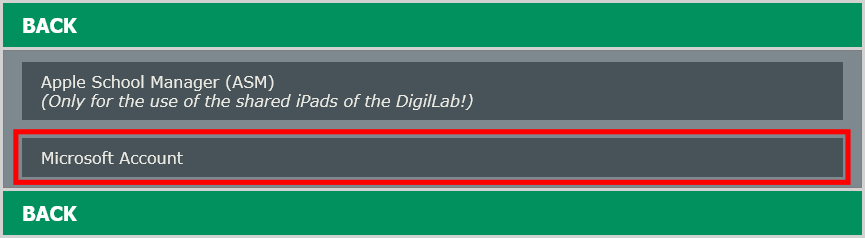
Select Microsoft Account.
Accept the Privacy Permission Statement (if not already accepted) and click on Save changes.
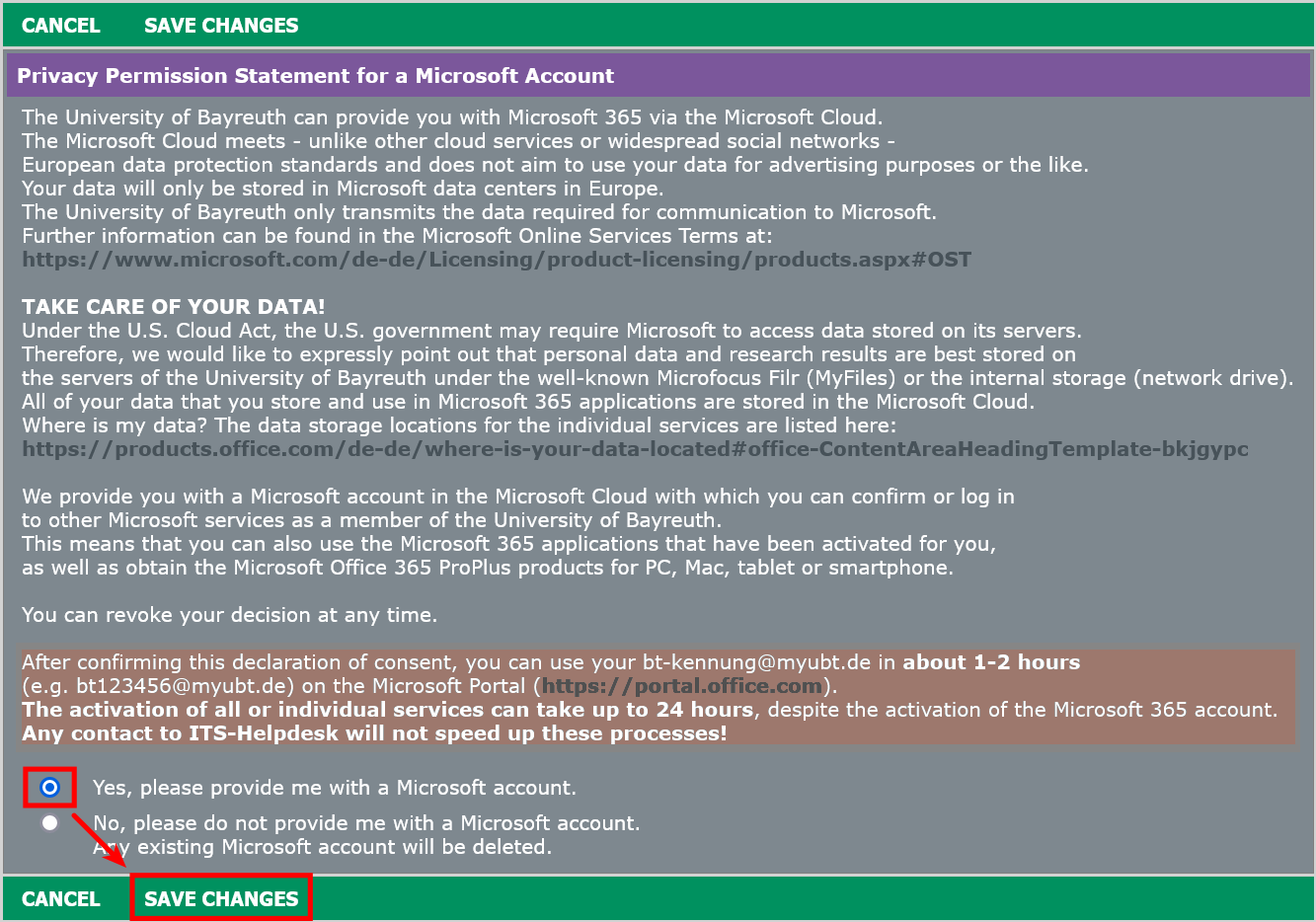
Important: After giving the Privacy Permission Statement, it takes 1 - 2 hours until your Microsoft Account will be activated. In rare cases it can take up to 24 hours. Please wait before you continue to follow the instructions.
Close any open Microsoft Office programs.
Download the tool for license removal.
"Install" the tool with a double-click. Follow the on-screen instructions.
All Microsoft Office licenses will be irreversibly removed from this device!
Restart your Mac, then open Microsoft Word. You must now log in again with the same username + @myubt.de to activate it.
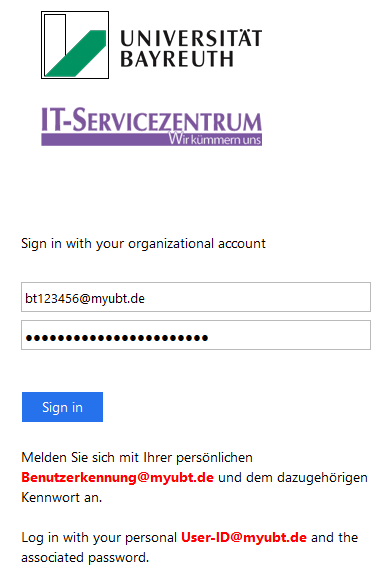
That's it! You may install Office on up to 5 devices. Steps 1 to 5 must only be done once.